Fire Dragon GCash Deposit Failed: Common Errors and Fixes
Fire Dragon GCash Deposit Failed: Common Errors and Fixes
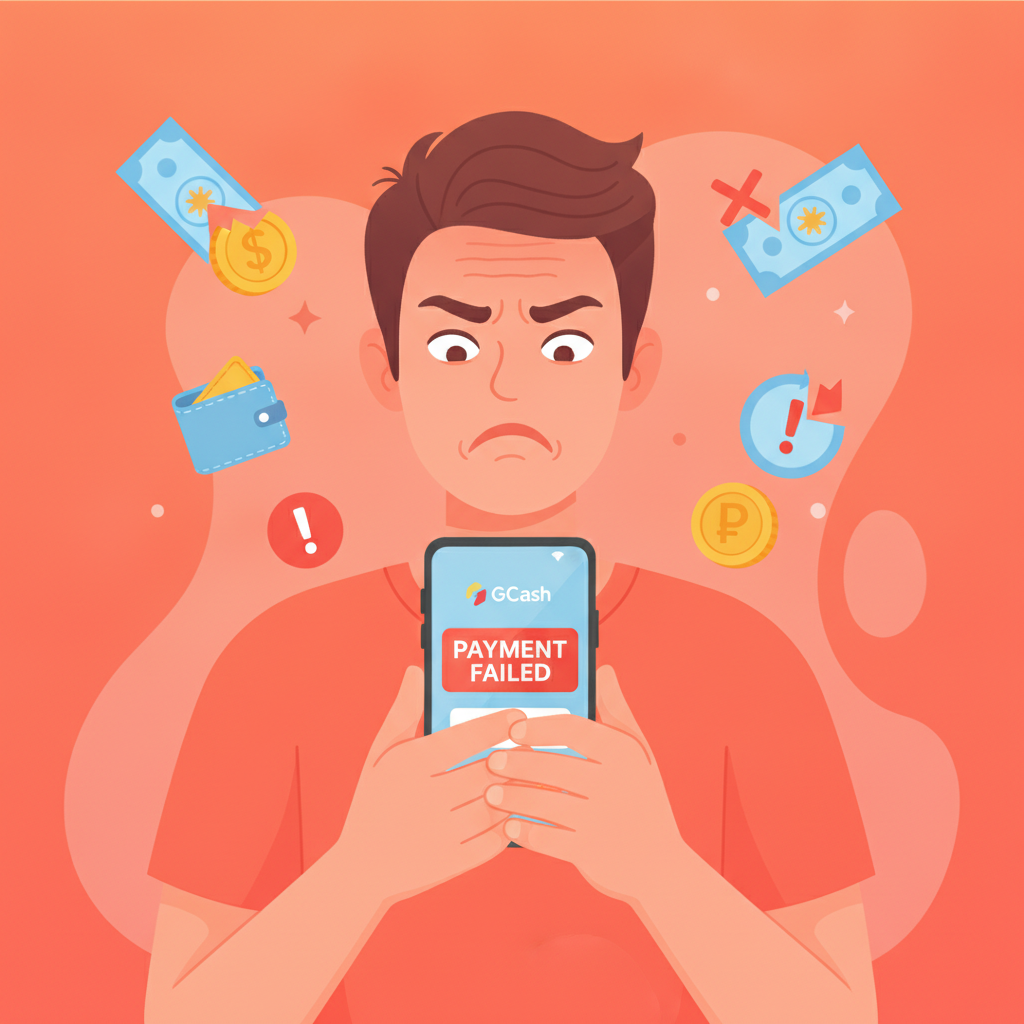
When a Fire Dragon deposit through GCash fails, it can be frustrating—especially when the money leaves your wallet but never reaches your casino account. This guide walks through the most common GCash deposit errors on Fire Dragon, what each message means, and the exact steps to diagnose and resolve the problem.
Fire Dragon is an online casino and sportsbook for players in the Philippines, offering slots, live dealer tables, PBA and NBA betting, and more. GCash is one of the primary deposit methods, typically processing in minutes when everything works correctly. When it doesn't, knowing how to troubleshoot saves time and prevents duplicate deposits.
This content is for players aged 21 and over. If you find yourself depositing more than you planned or chasing losses, take a break and review your budget. Responsible gambling resources are available at PAGCOR and local support services.
Most Common GCash Deposit Error Messages and What They Mean
Fire Dragon players report a handful of recurring error messages when GCash deposits fail. Understanding what each one signals helps narrow down the fix.
"Transaction declined by payment provider"
This message usually means GCash rejected the transaction before it reached Fire Dragon. Common causes include insufficient balance, a daily spending limit already hit, or a temporary block on gambling transactions by GCash's fraud filter. Check your GCash transaction history in the app: if no deduction appears, the money never left your wallet and you can retry after addressing the underlying issue.
"Payment pending – contact support if not credited within 24 hours"
This status means Fire Dragon received a payment notification from GCash but has not yet confirmed the funds. Most pending deposits resolve automatically within 15–30 minutes. If the status remains "pending" beyond two hours, prepare screenshots (detailed below) and contact Fire Dragon support. Do not attempt a second deposit until the first is resolved, or you risk paying twice.
"Session timeout" or "Network error"
These messages indicate the connection between your device, Fire Dragon's cashier, and GCash was interrupted. The deposit may or may not have been submitted. Close the Fire Dragon app or browser tab, open GCash, and check whether a deduction appears in your transaction history. If money was deducted, wait 30 minutes before contacting support. If no deduction shows, the transaction did not go through and you can retry.
"Invalid transaction reference" or "Reference number not found"
This error appears when Fire Dragon's system cannot match a GCash reference number to your account. It typically occurs if you manually entered a reference number incorrectly or if there was a database sync delay. Have your GCash transaction receipt ready and contact Fire Dragon support with the exact reference number and timestamp.
"Merchant temporarily unavailable"
Fire Dragon's GCash payment gateway may be undergoing maintenance or experiencing high traffic. This is rare but happens during peak betting hours (evenings and weekends). Wait 15–30 minutes and try again. If the message persists beyond an hour, check Fire Dragon's official social media channels or contact support for an estimated resolution time.
Checking Your GCash Wallet Balance, Limits, and Verification Tier
Many deposit failures trace back to GCash account settings rather than Fire Dragon's system. Before contacting support, verify the following in your GCash app.
Available balance
Open GCash and confirm your wallet balance covers the deposit amount plus any GCash transaction fee. Fire Dragon typically does not charge a deposit fee on its side, but GCash may apply a small service charge depending on transaction type. If your balance is PHP 500 and you attempt a PHP 500 deposit, a PHP 5–10 fee can cause the transaction to fail.
Daily and monthly transaction limits
GCash imposes spending limits based on your verification tier:
- Unverified / Basic: PHP 8,000 per month
- Fully Verified: PHP 100,000 per month, PHP 50,000 per transaction
- GSave or GInvest linked: Higher limits may apply
If you have already made other GCash payments today (bills, online shopping, money transfers), those amounts count against your daily and monthly caps. Check your transaction history to see cumulative spending. If you are near or over the limit, you will need to wait until the next period or upgrade your verification tier.
To upgrade, tap your profile picture in GCash, select "Verify Now," and submit a valid government ID (driver's license, passport, postal ID, or national ID). Verification typically completes within 24 hours.
Active restrictions or locked wallet
If GCash recently flagged your account for unusual activity, deposits to gambling merchants may be temporarily blocked. Look for in-app notifications or emails from GCash. You may need to verify your identity again or contact GCash customer service (2882 hotline or in-app chat) to lift the restriction.
Linked bank or card
Some Fire Dragon deposit flows require a linked bank account or debit card inside GCash for verification purposes. If you see a prompt to "link a funding source" before completing the deposit, follow the on-screen steps. This is a one-time setup and speeds up future transactions.
Network Timeout Issues and When to Retry vs. Contact Support
Mobile internet instability is a common culprit behind "network error" or "timeout" messages, especially for Android users on slower cellular connections.
Immediate retry scenarios
Retry your deposit right away if:
- You see a timeout message before entering your MPIN in GCash
- No deduction appears in your GCash transaction history
- Fire Dragon's cashier page reloads and shows no pending deposit
Make sure you have a stable connection—switch to Wi-Fi if available, or move to an area with stronger signal. Close background apps that may be consuming bandwidth.
Wait-and-check scenarios
Wait at least 30 minutes before retrying if:
- The GCash MPIN screen appeared and you completed authentication
- Money was deducted from your GCash wallet
- Fire Dragon shows "Payment pending" or a spinning progress indicator
Even if the Fire Dragon cashier page crashed, the payment instruction may have already reached GCash and will be processed on the backend. Retrying immediately risks submitting a duplicate deposit. After 30 minutes, refresh your Fire Dragon account balance or check the "Transactions" section in the app or website. If the deposit still does not appear and GCash shows the deduction, proceed to contact support.
When to escalate to support
Contact Fire Dragon support if:
- A deposit remains "pending" for more than two hours
- Money left your GCash wallet but Fire Dragon shows no record of the transaction
- You receive an "invalid reference" error and cannot retry
- The same error message repeats three or more times despite checking balance, limits, and network
Do not wait longer than 24 hours to report a missing deposit. Most payment processors finalize transaction records within that window, and early escalation improves the chance of a smooth resolution.
Screenshot Checklist: What Fire Dragon Support Needs to Resolve Failed Deposits
Providing complete information upfront speeds up support investigations. Before opening a ticket or live chat, gather these screenshots from your GCash app and Fire Dragon account.
From GCash:
- Transaction receipt or history entry
Open GCash, tap "Transaction History," find the failed deposit, and take a full-screen screenshot showing:
- Date and time
- Amount debited
- Reference number (usually 12–16 digits)
- Merchant name (should say "Fire Dragon" or a payment gateway partner)
- Wallet balance page
Capture your current GCash balance to confirm funds were deducted.
From Fire Dragon:
- Cashier or deposit page
Screenshot the Fire Dragon deposit interface showing the error message or "pending" status, including:
- Deposit amount entered
- Any error code or message text
- Timestamp if visible
- Transaction history in your Fire Dragon account
Navigate to "Transactions" or "My Account" > "Deposit History" and capture the list showing the missing or failed deposit (if it appears at all).
Your account details:
- Fire Dragon username or account ID
Have this ready to include in your message (do not screenshot login credentials or passwords). - Registered mobile number
Support may verify your identity by cross-checking the phone number linked to your Fire Dragon account and GCash wallet.
Submission tips
- Use PNG or JPEG format; ensure text is legible
- Do not edit or crop out the top status bar (time, date, battery) as it helps verify authenticity
- Send all screenshots in a single support ticket or chat session to avoid back-and-forth delays
- Briefly describe the issue in one or two sentences: "I deposited PHP 300 via GCash at 3:15 PM on January 10. Money was deducted from my GCash wallet (ref: 123456789012) but my Fire Dragon balance did not update."
Most Fire Dragon support inquiries via live chat or email are answered within a few hours during business days. Having complete documentation at the start often results in same-day crediting of missing deposits.
Responsible Gambling Reminder (21+ Only)
Fire Dragon is intended for players aged 21 and over. Online gambling should remain entertainment, not a way to solve financial problems or recover losses.
If you notice yourself depositing more frequently than planned, feeling anxious about bet outcomes, or borrowing money to play, it may be time to set deposit limits or take a break. Fire Dragon offers self-exclusion and limit-setting tools in the account settings. You can also reach out to PAGCOR or local counseling services for confidential support.
Keep deposits within your entertainment budget, never chase losses, and remember that all casino games favor the house over time. Play responsibly and know when to stop.
Summary
Most Fire Dragon GCash deposit failures stem from wallet balance or limit issues, network timeouts, or temporary gateway hiccups. By checking your GCash verification tier, waiting 30 minutes for pending transactions to clear, and preparing detailed screenshots before contacting support, you can resolve the majority of errors quickly. Always gamble responsibly, stay within your budget, and seek help if gambling stops being fun.