Fire Dragon iOS App: Can iPhone Users Download Fire Dragon on Apple?
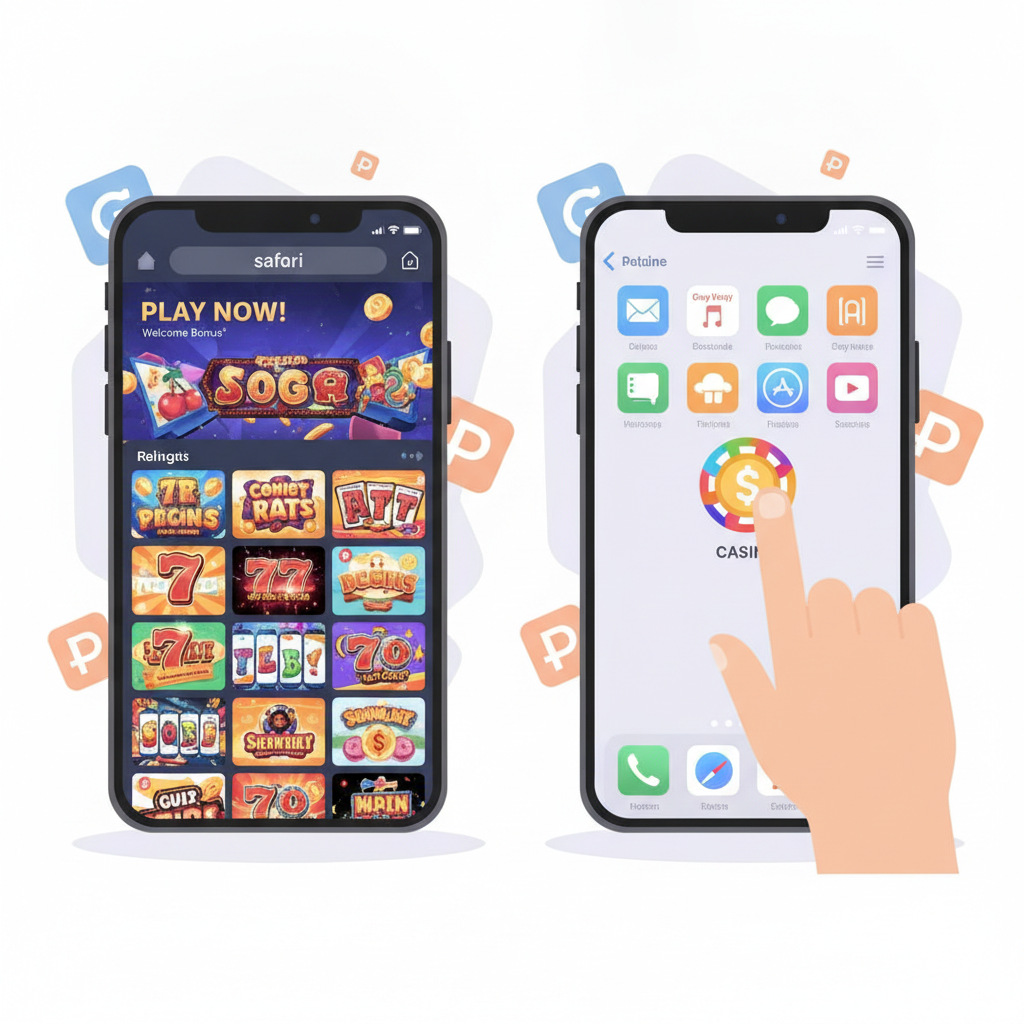
Current Availability of Fire Dragon for iOS and App Store Policy
Fire Dragon does not offer a native iOS app through the Apple App Store. Unlike Android users who can download an APK file directly from the Fire Dragon site, iPhone and iPad users will not find a Fire Dragon casino app when searching Apple's official store.
This absence is tied to App Store policy. Apple prohibits real-money gambling apps in the Philippines App Store unless the operator holds specific licenses recognized by Apple's regional compliance team. Because Fire Dragon does not publish an iOS app in the Philippine store, players using iPhones must rely on an alternative method to access slots, live dealer tables, sports betting, bingo, and fishing games.
If you're an iPhone user trying to play Fire Dragon games or manage GCash or Maya withdrawals on the go, the mobile web version is the practical solution. It delivers the same game library, cashout functions, and account settings without requiring a download from the App Store.
Using the Mobile Web Version (PWA) on Safari as an Alternative
Fire Dragon's mobile site is built as a progressive web app (PWA). This means when you visit the Fire Dragon login page in Safari on your iPhone, the site adapts to your screen size, loads quickly, and behaves much like a native app.
To access Fire Dragon on an iPhone:
- Open Safari (not Chrome or another browser, since the home-screen shortcut feature works best in Safari).
- Type the Fire Dragon website address into the URL bar or tap a link from a trusted source.
- Log in with your existing Fire Dragon username and password.
- The interface automatically adjusts for mobile. You'll see the same lobby, game thumbnails, cashier page for GCash deposits and withdrawals, and sports betting markets you'd find on Android or desktop.
The mobile web version supports all payment rails used by Fire Dragon players in the Philippines: GCash, Maya, InstaPay bank transfers, and PESONet. You can check pending withdrawal status, view transaction history, and contact support—all from Safari on your iPhone.
Because it runs in the browser, no installation is required. The downside is that you must open Safari and navigate to the site each time, unless you add a shortcut to your home screen (covered in the next section).
Adding Fire Dragon Web App Shortcut to iPhone Home Screen
If you want faster access to Fire Dragon—so it feels closer to a native iOS app—you can create a home screen icon. This shortcut launches the Fire Dragon mobile site in a standalone window without Safari's address bar and navigation buttons.
Step-by-step instructions:
- Open Safari and go to the Fire Dragon website.
- Tap the Share icon at the bottom center of the screen (a square with an arrow pointing up).
- Scroll down the share menu and select "Add to Home Screen."
- Give the shortcut a name (for example, "Fire Dragon" or "FD Casino").
- Tap Add in the top-right corner.
The Fire Dragon icon will now appear on your iPhone home screen alongside other apps. When you tap it, the site opens in full-screen mode. You'll still be using the web version—not a downloaded app—but the experience is cleaner because Safari's toolbars are hidden.
A few tips:
- Login sessions are stored in Safari's cookies. If you clear Safari history or cookies, you may need to log in again.
- Notifications (if Fire Dragon sends push alerts for promotions or bet results) may not work the same way they do in a native app. Check your account's notification settings on the site.
- Updates happen automatically. Because you're loading the live website each time, you always get the latest version—no manual app updates required.
This shortcut method is the closest iPhone users can get to a dedicated Fire Dragon app experience without jailbreaking or using workarounds that violate App Store terms.
Performance and Login Differences Between Android APK and iOS Web App
Both Android and iPhone users can play Fire Dragon games and process GCash or Maya cashouts, but the technical experience differs.
Android APK
- Installation: Android users download an APK file from the Fire Dragon site and install it manually. The APK is a standalone app file.
- Icon and interface: The app lives on the home screen and opens independently of any browser.
- Login persistence: The Android app can store credentials more reliably (depending on device settings), meaning fewer repeat logins.
- Offline caching: Some assets—like game thumbnails and lobby layout—may load faster on subsequent visits because the APK caches files locally.
- Push notifications: Easier to implement in a native Android app. Players may receive alerts for withdrawal approvals, new game releases, or sports events.
- Updates: Players must download and install new APK versions when Fire Dragon releases updates. The site usually prompts users when a new version is available.
iOS Mobile Web (PWA)
- Installation: No file download. iPhone users simply visit the site in Safari and optionally add a home screen shortcut.
- Icon and interface: The shortcut behaves like an app icon, but it's a bookmark that launches a browser window.
- Login persistence: Safari's cookie and cache policies are stricter than Android's. If you enable "Prevent Cross-Site Tracking" or regularly clear Safari data, you may need to log in more often.
- Offline caching: Limited. If your internet connection drops mid-session, the web app won't let you continue. (Real-money casino games require a live server connection anyway, so this rarely matters in practice.)
- Push notifications: Generally not supported for web apps on iOS in the same way as native apps. You'll need to check your Fire Dragon account manually for withdrawal updates or new messages.
- Updates: Automatic. Every time you open the shortcut, you fetch the latest version of the site. No manual update process.
Which Performs Better?
For speed and convenience, the Android APK has a slight edge because it's a true app with local storage. Game lobbies and images load faster after the first visit, and login sessions feel more stable.
For simplicity and security, the iOS web version wins. You avoid the risk of downloading APK files from unofficial mirrors, and you never need to manage app updates. Apple's Safari also enforces stronger sandboxing, which can protect your device from malicious scripts (though players should always visit only the official Fire Dragon domain).
In terms of gameplay, deposits, and withdrawals, both platforms are functionally identical. Whether you're on an iPhone using Safari or an Android phone with the APK installed, you can:
- Spin slots and join live dealer tables.
- Place bets on PBA, NBA, and volleyball.
- Deposit via GCash or Maya.
- Request withdrawals through GCash, Maya, InstaPay, or PESONet.
- Check pending cashout status and transaction history.
- Contact support if a withdrawal is delayed or your login fails.
If you're switching from an Android device to an iPhone, the main adjustment is losing the native app feel and remembering to keep Safari's cookies enabled so you don't have to log in every time.
Responsible Gambling Reminder (21+ Only)
Fire Dragon is restricted to players aged 21 and over. Online casino games, sports betting, and real-money gaming carry financial risk. The platform provides tools to help you stay in control, including deposit limits, session reminders, and self-exclusion options. You can find these features in your account settings.
Key reminders for responsible play:
- Set a budget before you start. Decide how much you can afford to lose and do not chase losses by depositing more than planned.
- Take breaks. Long sessions can cloud judgment. Step away from slots, live dealer tables, or sports betting when you feel tired or frustrated.
- Use deposit and time limits. Fire Dragon offers settings to cap daily or weekly deposits. Turn these on if you want an extra layer of control.
- Seek help if gambling feels compulsive. Organizations like Gamblers Anonymous and the National Center for Mental Health in the Philippines offer confidential support. If betting starts to interfere with work, relationships, or finances, reach out for help.
This guide is an independent resource. It is not written or published by Fire Dragon. Always verify official policies, fees, and processing times on the Fire Dragon website or by contacting their customer support directly.
Summary: iPhone users cannot download a Fire Dragon iOS app from the Apple App Store, but the mobile web version (progressive web app) in Safari provides full access to games, sports betting, and cashier functions including GCash and Maya withdrawals. By adding a home screen shortcut, you can launch Fire Dragon in a near-app experience. While the Android APK may offer slightly faster load times and more persistent logins, the iOS web version is simpler to use, automatically updated, and functionally equivalent for deposits, cashouts, and gameplay. All players must be 21 or older, and Fire Dragon provides responsible gambling tools to help manage risk.