Fire Dragon Verification Pending: How to Speed Up ID and Selfie Approval
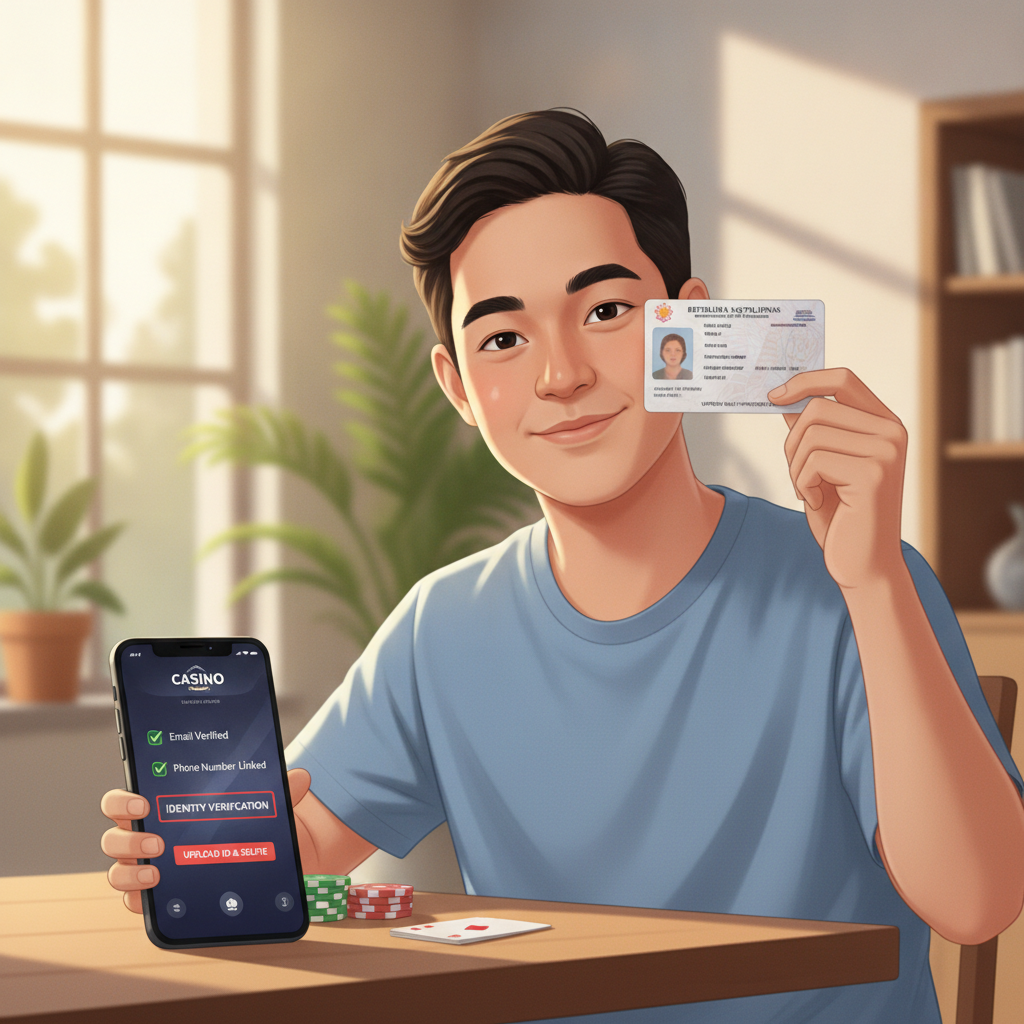
Why Fire Dragon Asks for ID Verification Before Processing Withdrawals
Fire Dragon requires identity verification before approving your first withdrawal. This is a standard anti-money-laundering measure used across licensed online casinos and sportsbooks. The platform needs to confirm that the person withdrawing funds is the same person who registered the account and made deposits.
Verification protects both the operator and players. It prevents unauthorized users from accessing your account and withdrawing your balance. It also ensures that winnings go to the rightful account holder when you cash out via GCash, Maya, InstaPay, or PESONet.
Most Fire Dragon players in the Philippines will see a verification request when they attempt their first withdrawal. The platform may also ask for re-verification if you change your registered mobile number, update your bank details, or request an unusually large cashout.
Until verification is complete, your withdrawal will remain in "pending" status. Deposits and gameplay are not affected—you can continue betting on PBA, NBA, slots, and live dealer tables while your documents are being reviewed.
Accepted ID Types in the Philippines
Fire Dragon accepts government-issued photo identification from Filipino players aged 21 and over. You will need to submit one primary ID and a matching selfie (sometimes called a "selfie with ID").
Valid Primary IDs
The platform typically accepts:
- Philippine passport – Must be valid and not expired. Passport pages should show your full name, photo, date of birth, and passport number.
- Driver's license – Both old card-style and new plastic driver's licenses are accepted. All four corners and the license number must be clearly visible.
- UMID (Unified Multi-Purpose ID) – Issued by SSS. Front and back should be photographed if information appears on both sides.
- Philippine Postal ID – Must be current and show your full name and photo.
- PhilHealth ID – The physical card with your photo and PhilHealth number.
- SSS ID or GSIS ID – Government service IDs are generally accepted if they include a clear photograph.
- PRC ID (Professional Regulation Commission) – For licensed professionals such as teachers, engineers, or nurses.
- Voter's ID – Issued by COMELEC with your photo and signature.
Fire Dragon may reject school IDs, barangay IDs, or company IDs because they are not considered government-issued. If you are unsure whether your ID will be accepted, check the verification page in your Fire Dragon account or contact customer support before uploading.
Selfie with ID Requirement
In addition to a clear photo of your ID, you will usually need to upload a selfie in which you are holding the same ID next to your face. The selfie proves that you physically possess the document and that the face on the ID matches your own.
Some players are asked to include a handwritten note with the current date or their Fire Dragon username in the selfie. Follow any specific instructions shown on the verification screen to avoid rejection.
Photo Quality Checklist: Lighting, Corners Visible, No Glare, Matching Selfie
Poor photo quality is the most common reason Fire Dragon verification gets delayed or rejected. Many Filipino players upload photos taken in dim lighting or with glare from a flash, which makes text unreadable and forces the review team to request a re-upload.
Lighting
- Take photos during the day near a window, or in a well-lit room with overhead or desk lighting.
- Avoid direct sunlight or flash that creates bright spots or shadows across the ID.
- The photo should be bright enough that all text—especially your name, ID number, and date of birth—is easy to read.
All Four Corners Visible
- Frame the ID so that all four corners appear in the photo.
- Do not crop the edges or cut off any part of the card.
- Lay the ID flat on a plain, contrasting background (a dark table works well for light-colored IDs).
No Glare or Reflections
- Laminated IDs and plastic driver's licenses reflect light easily. Tilt the card slightly or move your light source to eliminate glare.
- Check your photo before uploading. If you cannot read the text clearly on your phone screen, Fire Dragon's review team will not be able to either.
Matching Selfie
- Your face should be clearly visible and match the photo on the ID.
- Hold the ID close to your face, but make sure both your face and the ID details are in focus.
- Remove sunglasses, masks, or hats that obscure your features.
- If Fire Dragon asks you to include a handwritten note, write neatly in permanent marker on white paper and hold it alongside your ID in the selfie.
File Format and Size
- Upload in JPEG or PNG format. Most Android phones save photos as JPEG by default.
- Keep file size under 5 MB per image. If your camera produces very large files, use your phone's gallery app to resize or compress before uploading.
- Do not upload screenshots of photos, as these often lose clarity. Use the original image file.
If your first upload is rejected, carefully read the rejection reason provided by Fire Dragon. Common issues include "ID corners not visible," "photo too dark," or "selfie does not match ID." Fix the specific problem and re-upload immediately to avoid further delays.
Average Verification Wait Time and What to Do If It Exceeds 48 Hours
Fire Dragon's verification team typically reviews and approves documents within 24 to 48 hours. This timeframe applies to standard submissions made Monday through Friday. Requests submitted on weekends or Philippine public holidays may take slightly longer.
During high-traffic periods—such as major PBA playoff games, NBA finals, or holiday promotions—processing times can extend to 72 hours. Your withdrawal will remain pending during this window.
What to Do If Verification Takes Longer Than 48 Hours
- Check your Fire Dragon account inbox or registered email. The verification team will notify you if your documents were rejected or if additional information is required. Log in on your Android device or via the Fire Dragon website to view messages.
- Review the status on the verification page. Most Fire Dragon accounts include a verification status page showing whether your ID is "under review," "approved," or "rejected." If the status has not changed after 48 hours and you have received no message, proceed to the next step.
- Contact Fire Dragon customer support. Use the live chat feature in the Fire Dragon app or website, or send an email to the support address listed in your account dashboard. Provide your username, registered mobile number, and the date you uploaded your documents. Ask for an estimated time of completion.
- Do not upload duplicate documents while waiting. Submitting the same ID and selfie multiple times can confuse the queue and further delay approval. Only re-upload if Fire Dragon explicitly requests you to do so.
- Prepare alternative ID if requested. In rare cases, the verification team may ask for a second form of ID or additional proof of address (such as a utility bill or bank statement showing your name and address). Respond promptly to keep your withdrawal moving.
Once your identity is verified, Fire Dragon will process your pending withdrawal. GCash and Maya cashouts typically arrive within a few hours of approval. InstaPay bank transfers can take up to 24 hours, and PESONet transfers may take one to two business days depending on your bank.
After your first successful verification, future withdrawals from Fire Dragon will be faster. You should not need to submit ID documents again unless you change key account details or the platform flags your account for a routine security review.
Responsible Gambling Reminder
Fire Dragon is for players aged 21 and over only. Verification helps ensure that only adults access real-money casino games and sports betting.
If you find yourself chasing losses, depositing more than you can afford, or feeling anxious about your withdrawals, take a break. Set deposit limits in your Fire Dragon account, or use the self-exclusion tools available in the responsible gaming section.
Gambling should remain entertainment. If you need support, reach out to local resources or contact a responsible gambling helpline in the Philippines.