Fire Dragon Withdrawal Limit: Daily and Monthly Cashout Caps Explained
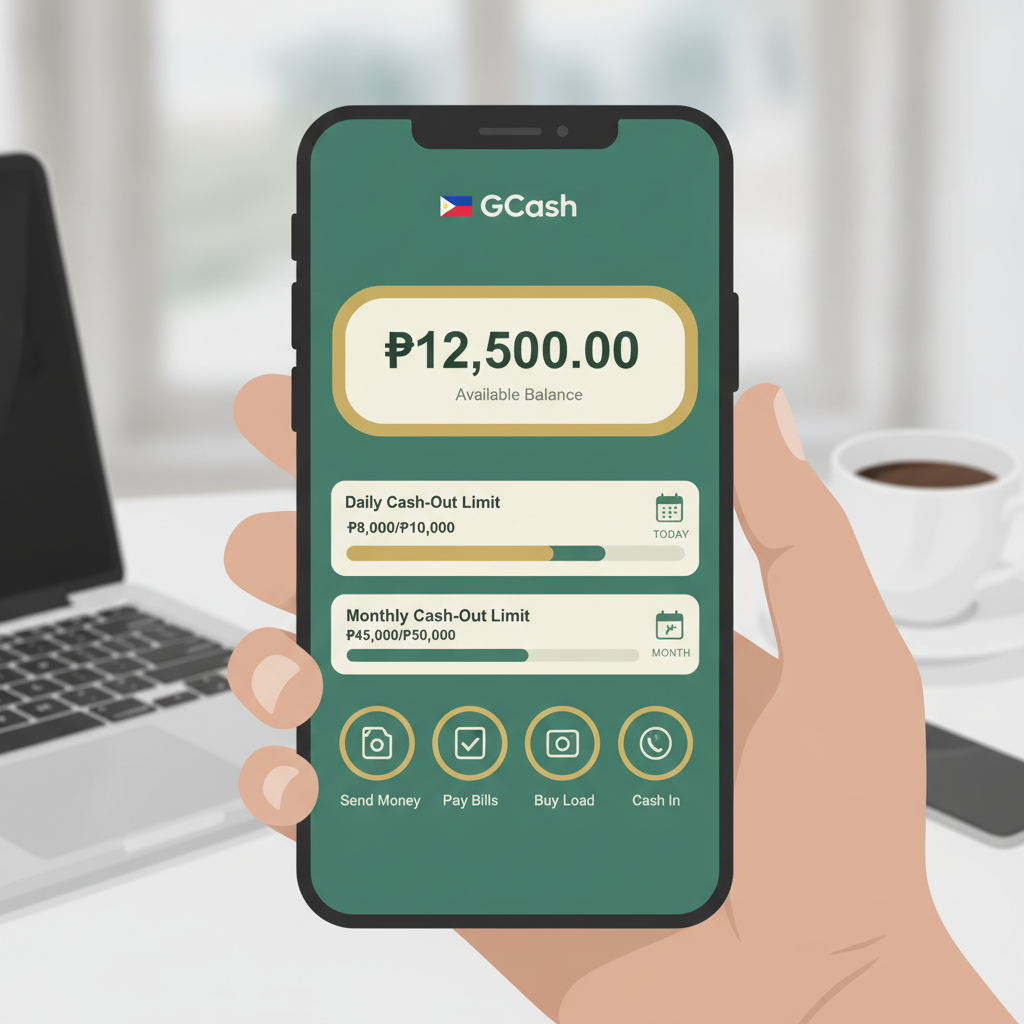
Fire Dragon sets withdrawal limits that control how much cash you can take out per day and per month. If you're planning a large cashout—whether you've had a good run at slots or sports betting—you need to know these caps before you request your money. This guide walks through Fire Dragon's standard limits, how VIP status changes your ceiling, and practical ways to split withdrawals across GCash, Maya, and bank transfer when you need to move more than the daily cap allows.
Fire Dragon is open to Filipino players aged 21 and over only. Set a cashout budget before you play, and never chase losses.
Daily and Monthly Withdrawal Limits for Standard Accounts
Fire Dragon applies two sets of limits to every cashout: a daily cap and a monthly cap. For a standard (non-VIP) account, the typical structure is:
- Daily limit: PHP 50,000
- Monthly limit: PHP 500,000
These figures mean you cannot request more than PHP 50,000 in total withdrawals within any rolling 24-hour period, and you cannot exceed PHP 500,000 across all withdrawals in a calendar month (measured from the first to the last day of each month).
How the daily limit works
The 24-hour window starts from the moment your first withdrawal is approved, not when you submit the request. If you cash out PHP 30,000 at 10:00 AM on Monday, you can request another PHP 20,000 any time before 10:00 AM on Tuesday. Once the clock rolls past that 24-hour mark, your daily counter resets to zero.
How the monthly limit works
Fire Dragon tracks your total approved withdrawals from the first to the last day of each calendar month. On the first day of the new month, your counter resets. If you withdraw PHP 400,000 in January, you have PHP 100,000 of room left for the rest of January. On February 1, you start fresh with the full PHP 500,000 allowance again.
Why these limits exist
Withdrawal caps help the platform manage cash flow, prevent fraud, and meet internal risk policies. Every online casino and sportsbook—whether based in the Philippines or serving Filipino players—uses similar controls.
How VIP Tier Affects Your Cashout Ceiling
Fire Dragon runs a VIP or loyalty programme that rewards frequent players with higher withdrawal limits, faster processing times, and other perks. The exact tier names and thresholds can change, but a typical structure looks like this:
| VIP Tier | Daily Limit | Monthly Limit |
|--------------|-----------------|-------------------|
| Standard | PHP 50,000 | PHP 500,000 |
| Silver | PHP 75,000 | PHP 750,000 |
| Gold | PHP 100,000 | PHP 1,000,000 |
| Platinum | PHP 150,000 | PHP 1,500,000 |
How you climb tiers
VIP status is usually earned through a combination of:
- Total wagers placed across slots, live dealer tables, sports betting, bingo, and fishing games
- Deposit frequency and volume
- Active play over a rolling 30- or 90-day window
Fire Dragon calculates your tier automatically. You'll see your current tier and progress bar in the "My Account" or "VIP" section of the app or desktop site. Some tiers unlock instantly once you hit the threshold; others may require customer support to upgrade your account manually.
Faster processing for VIP members
Higher tiers often come with priority withdrawal queues. Where a standard account might wait 12–24 hours for GCash or Maya approval, a Platinum member might see funds arrive in 2–6 hours. This speed advantage matters if you're managing a larger bankroll or need cash quickly.
Splitting Large Withdrawals Across GCash, Maya, and Bank Transfer
If your balance exceeds your daily limit—say you have PHP 150,000 and a PHP 50,000 daily cap—you have three main strategies:
1. Spread requests over multiple days
Request PHP 50,000 today, another PHP 50,000 tomorrow, and the final PHP 50,000 the day after. This approach keeps each transaction inside your daily ceiling and avoids splitting across payment channels.
Pros: Simple; you use your preferred e-wallet (GCash or Maya) every time.
Cons: Takes three days minimum; if Fire Dragon's processing queue is slow, you might wait four or five days for all funds to clear.
2. Use multiple payment methods in parallel
Fire Dragon often allows you to run one GCash withdrawal, one Maya withdrawal, and one bank transfer (InstaPay or PESONet) at the same time, as long as the combined total stays within your daily limit. For example:
- GCash: PHP 20,000
- Maya: PHP 20,000
- Bank transfer (InstaPay): PHP 10,000
- Total: PHP 50,000 in a single 24-hour window
Pros: Money arrives in three separate accounts; useful if you want to split funds between your GCash wallet (for bills), Maya (for online shopping), and a savings account.
Cons: You pay transaction fees three times; InstaPay and PESONet can take 1–2 business days, while GCash and Maya are usually same-day.
3. Upgrade your VIP tier before cashing out
If you're PHP 10,000 or PHP 20,000 of wagering away from Silver or Gold, consider playing a bit more to unlock the higher limit—then request the full amount in one go. This works best if:
- You were planning to play anyway
- The extra wagering is within your budget
- You're comfortable with the house edge on slots or table games
Pros: Larger single withdrawals; faster total payout.
Cons: Every peso wagered carries risk; never chase a VIP tier just to cash out.
Fees and processing times recap
| Method | Fee | Processing Time |
|------------------|------------------|---------------------|
| GCash | 0–1% (check app) | 2–24 hours |
| Maya | 0–1% (check app) | 2–24 hours |
| InstaPay | PHP 10–25 flat | 1–2 business days |
| PESONet | PHP 10–25 flat | 1–3 business days |
Choose GCash or Maya for speed; use InstaPay or PESONet for larger amounts if you don't mind waiting an extra day.
What Happens When You Hit Your Limit Mid-Month
Imagine you've withdrawn PHP 500,000 by the 20th of the month and you win another PHP 100,000 at live baccarat. You submit a PHP 50,000 cashout request, but Fire Dragon's system rejects it with a message like "Monthly withdrawal limit exceeded."
Step 1: Check your current total
Log in to Fire Dragon (desktop or app), navigate to "Transaction History" or "My Wallet," and filter by "Withdrawals" for the current month. Add up all approved amounts. If the sum equals your monthly cap, you've hit the ceiling.
Step 2: Wait for the new month
Your counter resets at 00:00 on the first day of the next month (Philippine time, UTC+8). Any pending withdrawal requests submitted after you hit your limit will remain in "Pending" status until the reset. Fire Dragon will not automatically cancel them—just hold them in the queue.
Step 3: Contact customer support if funds are urgent
If you need emergency access—for example, a medical bill or urgent family expense—open a live-chat ticket or email Fire Dragon support. Explain the situation and ask whether they can approve a one-time limit increase. There's no guarantee, but support teams sometimes grant exceptions for verified, long-standing accounts.
Step 4: Leave the balance in your account
Funds sitting in your Fire Dragon wallet remain yours. They don't expire, and you won't lose them if you wait a week or two. If you're worried about the temptation to re-bet, consider:
- Closing the app and removing shortcuts from your home screen
- Asking support to apply a temporary self-exclusion or cool-off period
- Writing down the exact amount you want to withdraw and setting a calendar reminder for the first of the month
Responsible Gambling Reminder (21+ Only)
Fire Dragon is for Filipino players aged 21 and older. Withdrawal limits exist partly to encourage responsible bankroll management. If you find yourself hitting the monthly cap regularly—or feeling frustrated when you cannot cash out immediately—take a moment to review your play:
- Set a monthly deposit limit that matches your entertainment budget.
- Never borrow money or use funds earmarked for rent, bills, or groceries.
- Take regular breaks: use Fire Dragon's session reminders or self-exclusion tools.
- Know the signs: chasing losses, hiding your play from family, or feeling anxious when you can't log in are all red flags.
For confidential support, contact PCSO National Problem Gambling Helpline (if available in your region) or search "responsible gambling Philippines" for local resources.
Summary: Fire Dragon's standard daily withdrawal limit is PHP 50,000, with a monthly cap of PHP 500,000. VIP tiers (Silver, Gold, Platinum) raise those ceilings and speed up processing. When you need to cash out more than your daily limit allows, split requests across multiple days or use GCash, Maya, and bank transfer in parallel—just watch transaction fees. If you hit your monthly cap mid-month, your counter resets on the first day of the new month; in the meantime, your balance stays safe in your account. Always play within your means, and remember that Fire Dragon is 21+ only.