Fire Dragon Withdrawal Time: How Long Does GCash and Maya Cashout Take?
Fire Dragon Withdrawal Time: How Long Does GCash and Maya Cashout Take?
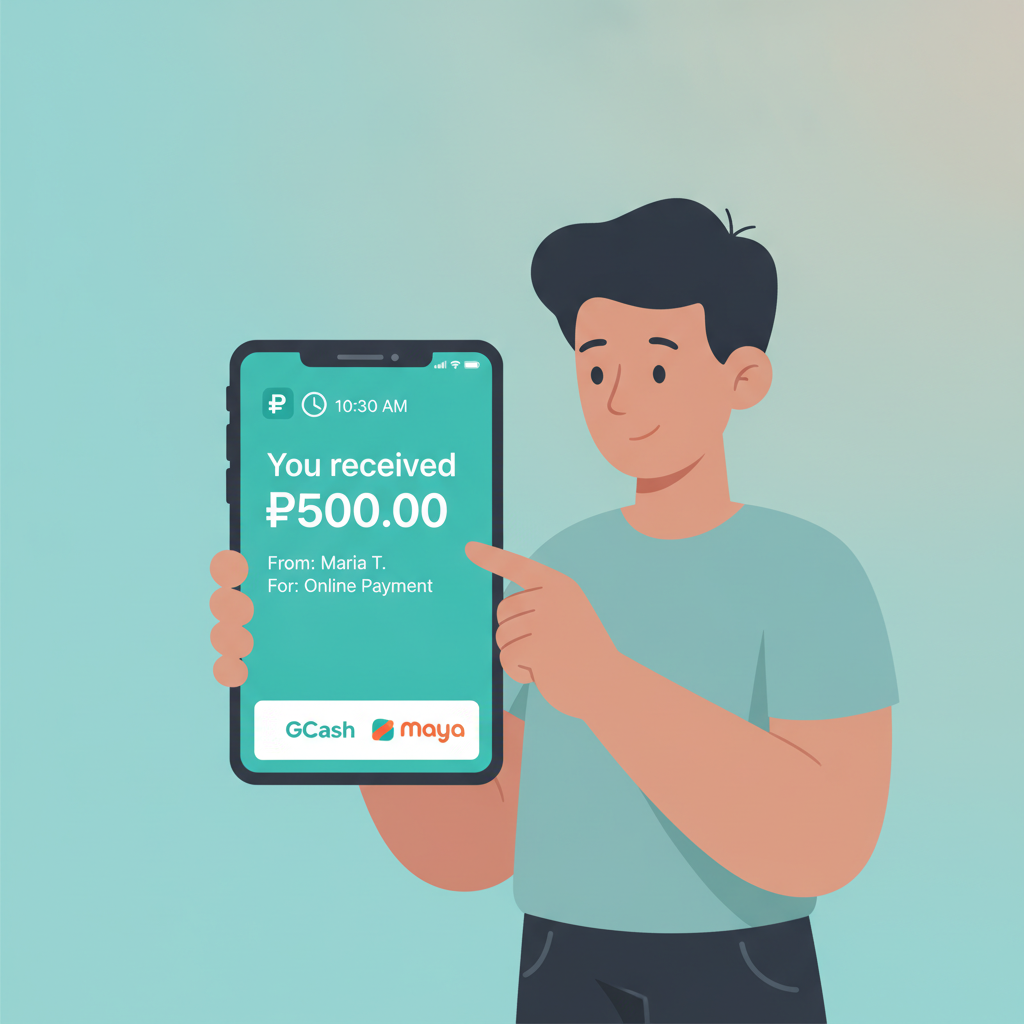
When you request a cashout from Fire Dragon, knowing how long the money will take to reach your GCash, Maya, or bank account helps you plan. This guide walks through typical Fire Dragon withdrawal times for each payout method, explains common delays, and shows you how to track pending cashouts and resolve problems when transfers take longer than expected.
This article is for players aged 21 and over. If you find yourself chasing losses or withdrawing and re-depositing repeatedly, take a break and review your spending.
Typical Processing Times for GCash, Maya, and Bank Transfer Withdrawals
Fire Dragon processes withdrawal requests in two stages: the platform's internal approval, followed by the actual transfer through the payment network. Here's what to expect for each method.
GCash Withdrawal Time
GCash is the fastest cashout option for most Fire Dragon players. Once the platform approves your request, funds typically appear in your GCash wallet within 10 minutes to 2 hours during business hours on weekdays.
In practice, many players report seeing GCash withdrawals land in under 30 minutes when requested between 9 a.m. and 6 p.m. Monday to Friday. Evening and weekend requests may take the full 2 hours or slightly longer, because Fire Dragon's finance team works reduced hours outside the standard business day.
Maya Withdrawal Time
Maya cashouts follow a similar pattern to GCash. Expect your Fire Dragon withdrawal to reach your Maya wallet in 15 minutes to 3 hours after approval.
Maya transfers can be slightly slower than GCash during peak periods—lunch hour and early evening—when the Maya network handles high transaction volumes. If you submit a withdrawal request on a weekday morning, you'll usually see the funds within an hour.
InstaPay and PESONet Bank Transfer Times
Bank withdrawals depend on which interbank network Fire Dragon routes your cashout through:
- InstaPay: Real-time transfers that typically complete in 10 minutes to 1 hour once approved. InstaPay operates 24/7, including weekends and holidays, so your bank should credit the funds even outside business hours—though some smaller banks may delay posting until the next business day.
- PESONet: Batch processing that runs on banking days only. PESONet batches are released at 9 a.m., 12 noon, 3 p.m., and 5 p.m. If Fire Dragon approves your withdrawal in time for the next batch, you'll see the money in your bank account within 3 to 6 hours the same day. Requests submitted after the final batch, on weekends, or on public holidays roll over to the next banking day.
Most Fire Dragon bank withdrawals default to InstaPay because it's faster, but larger cashouts or certain banks may route through PESONet. You'll see which network is used in your withdrawal confirmation email or transaction history.
Why Some Cashouts Take Longer: Verification Checks, Weekend Delays, Network Issues
Even with the timeframes above, some Fire Dragon withdrawals sit in "pending" status longer than expected. Here are the most common reasons and what they mean for your cashout.
Account Verification and Security Checks
Fire Dragon runs automated fraud and compliance checks on every withdrawal. If you're cashing out for the first time, requesting an amount significantly larger than your usual pattern, or your account has incomplete KYC (Know Your Customer) documents, the platform may flag your withdrawal for manual review.
Manual reviews can add 4 to 24 hours to the processing time. You'll typically receive an email or in-app notification asking you to upload a selfie with your valid ID, a recent utility bill, or a screenshot of your e-wallet account showing your registered name.
Upload clear, legible photos as soon as you receive the request. Blurry images or mismatched names (for example, your Fire Dragon account says "Juan Cruz" but your GCash is registered to "Juan dela Cruz Jr.") will bounce back and reset the clock.
Weekend and Holiday Delays
Fire Dragon's finance team operates on reduced staffing Saturdays, Sundays, and Philippine public holidays. Withdrawal requests submitted Friday evening through Sunday may not enter the approval queue until Monday morning.
E-wallet cashouts (GCash and Maya) will still process once approved, even on weekends, because those networks run 24/7. But bank transfers via PESONet will wait until the next banking day, and even InstaPay deposits may not post to your account if your bank's system is offline for maintenance.
Payment Network and E-Wallet Maintenance
GCash and Maya occasionally schedule system maintenance windows, usually late at night or early morning. If Fire Dragon releases your withdrawal during a maintenance window, the e-wallet provider will queue the incoming transfer and credit your account once systems are back online—typically within 1 to 3 hours after the maintenance ends.
InstaPay and PESONet outages are rare but do happen, especially during typhoons or major infrastructure work. Bangko Sentral ng Pilipinas (BSP) publishes advisories on network status; you can check bsp.gov.ph or ask your bank's customer service if an interbank network is down.
High Withdrawal Volume
During major sporting events—PBA playoffs, international boxing matches, NBA Finals—Fire Dragon sees a spike in simultaneous cashout requests. The finance queue can back up, adding 2 to 6 hours to normal processing times while the team works through the backlog.
How to Check Your Pending Withdrawal Status in the Fire Dragon App
Tracking your cashout in real time helps you know whether a delay is normal processing or a problem that needs support intervention.
Step-by-Step: Check Withdrawal Status on Android or iOS
- Open the Fire Dragon app and log in with your registered mobile number or email and password.
- Tap the menu icon (three horizontal lines) in the top-left corner.
- Select "Transaction History" or "My Account" → "Withdrawal History," depending on your app version.
- Find your cashout request in the list. Each entry shows:
- Withdrawal amount (in PHP)
- Destination (GCash, Maya, or bank account number)
- Status: Pending, Approved, Processing, Completed, or Failed
- Request date and time
What Each Status Means
- Pending: Fire Dragon's system has received your request and placed it in the approval queue. This stage usually lasts 10 minutes to 2 hours, longer on weekends.
- Approved: The finance team has cleared your withdrawal for payout. The funds are now moving through the payment network.
- Processing: The payment provider (GCash, Maya, InstaPay, PESONet) is transferring the money. You should see it in your account within the typical timeframes listed earlier.
- Completed: The cashout has been credited to your e-wallet or bank. Check your transaction history in GCash, Maya, or your bank app to confirm receipt.
- Failed: The withdrawal was rejected or could not be processed. Common causes include incorrect account details, insufficient funds after a reversal, or a closed e-wallet. Contact Fire Dragon support for details.
If your status has been stuck on "Pending" for more than 6 hours on a weekday, or "Approved" for more than 3 hours with no movement, it's time to reach out.
What to Do If Your Cashout Exceeds the Stated Timeframe
When a Fire Dragon withdrawal takes longer than the guidelines above, follow these steps to get your money moving.
1. Double-Check Your Withdrawal Details
Log in to the app and review your cashout request:
- GCash or Maya number: Confirm the mobile number matches the one registered to your e-wallet, including the correct 11-digit format (09XX-XXX-XXXX).
- Bank account number and name: Verify the account number has no typos and the account holder name on Fire Dragon matches your bank records exactly, including middle initials and suffixes (Jr., Sr., III).
A single-digit error or name mismatch will cause the payment network to reject the transfer. If you spot a mistake, cancel the pending withdrawal (if the app allows) and submit a new request with corrected details. If cancellation isn't available, contact support immediately.
2. Check Your E-Wallet or Bank for Incoming Transfers
Sometimes the payment has already been sent, but your e-wallet or bank app hasn't updated yet. Open GCash, Maya, or your bank's mobile app and pull down to refresh your transaction history.
For bank transfers, check both your available balance and your pending or incoming transactions. InstaPay and PESONet deposits may show as "pending posting" for a few hours before they hit your ledger balance.
3. Contact Fire Dragon Support with Your Transaction Reference
If the withdrawal has been stuck beyond the expected timeframe and you've confirmed all details are correct, reach out to Fire Dragon's customer support team:
- Live chat: Tap "Support" or the chat bubble icon in the app. Live chat is fastest during daytime hours.
- Email: Send a message to the support email listed in the app's contact section. Include your registered mobile number, withdrawal amount, request date and time, and transaction reference number (visible in your transaction history).
- Hotline: Some players prefer calling. The Fire Dragon hotline number is in the app footer under "Contact Us."
Provide as much detail as possible: "I requested a PHP 500 withdrawal to GCash number 0917-123-4567 on January 15 at 10:30 a.m. The transaction reference is FDW123456789. It's been 8 hours and the status is still 'Pending.'"
The support team can escalate to the finance department and give you a specific update on your cashout, including whether additional verification is needed or if a network issue is causing the delay.
4. Document Everything
Take screenshots of your withdrawal request, transaction history showing the "Pending" or "Approved" status, and any email or in-app notifications from Fire Dragon. If the delay stretches beyond 24 hours, having a paper trail helps support resolve the issue faster and provides proof of the timeline if you need to escalate.
Responsible Gambling Reminder (21+ Only)
Fire Dragon is for players aged 21 and over. Withdrawal times can feel stressful, especially if you're counting on the money for daily expenses. If waiting for a cashout causes anxiety or you notice you're re-depositing withdrawn funds repeatedly, it may be a sign to reassess your play.
Set a personal withdrawal schedule—weekly or monthly—and stick to it. Treat cashouts as a way to lock in winnings, not as a revolving fund for more bets. If gambling is affecting your finances or well-being, reach out to local support resources or use Fire Dragon's self-exclusion and deposit-limit tools in the account settings.
Summary
Most Fire Dragon withdrawals to GCash and Maya complete within 10 minutes to 3 hours during weekdays, while bank transfers via InstaPay take up to 1 hour and PESONet can take 3 to 6 hours or roll over to the next banking day. Delays beyond these windows are usually due to verification checks, weekend staffing, payment network maintenance, or high cashout volumes.
You can track your withdrawal in real time through the Fire Dragon app's transaction history. If your cashout exceeds the expected timeframe, verify your account details, check your e-wallet or bank for incoming transfers, and contact Fire Dragon support with your transaction reference for an update.
By understanding how Fire Dragon processes withdrawals and knowing what to do when delays happen, you can cash out confidently and avoid unnecessary worry. Play responsibly, and only if you are 21 or older.